5 Best CleanShot X Alternatives for Mac (No Subscription Required)
CleanShot X is genuinely one of the best screenshot apps ever made for Mac. It's fast, feature-rich, and well-designed. But it's not the right fit for everyone.
Some users want a one-time purchase instead of a subscription. Others need fewer features and a simpler workflow. And some just want to explore what else is out there before committing.
We tested the top CleanShot X alternatives side by side — here's how they stack up in 2026.
Disclosure: ScreenSnap Pro is our app. We've included it in this comparison because we genuinely believe it's a strong alternative, but we've done our best to evaluate every option fairly. You'll see honest limitations listed for each app, including ours.
Why Users Switch from CleanShot X
Based on threads across Reddit, Product Hunt, and the Mac community, the most common reasons people look for alternatives are:
- Subscription fatigue — Some users prefer paying once, especially for a utility app they'll use for years
- Feature overload — CleanShot X has grown into a power-user tool; not everyone needs that depth
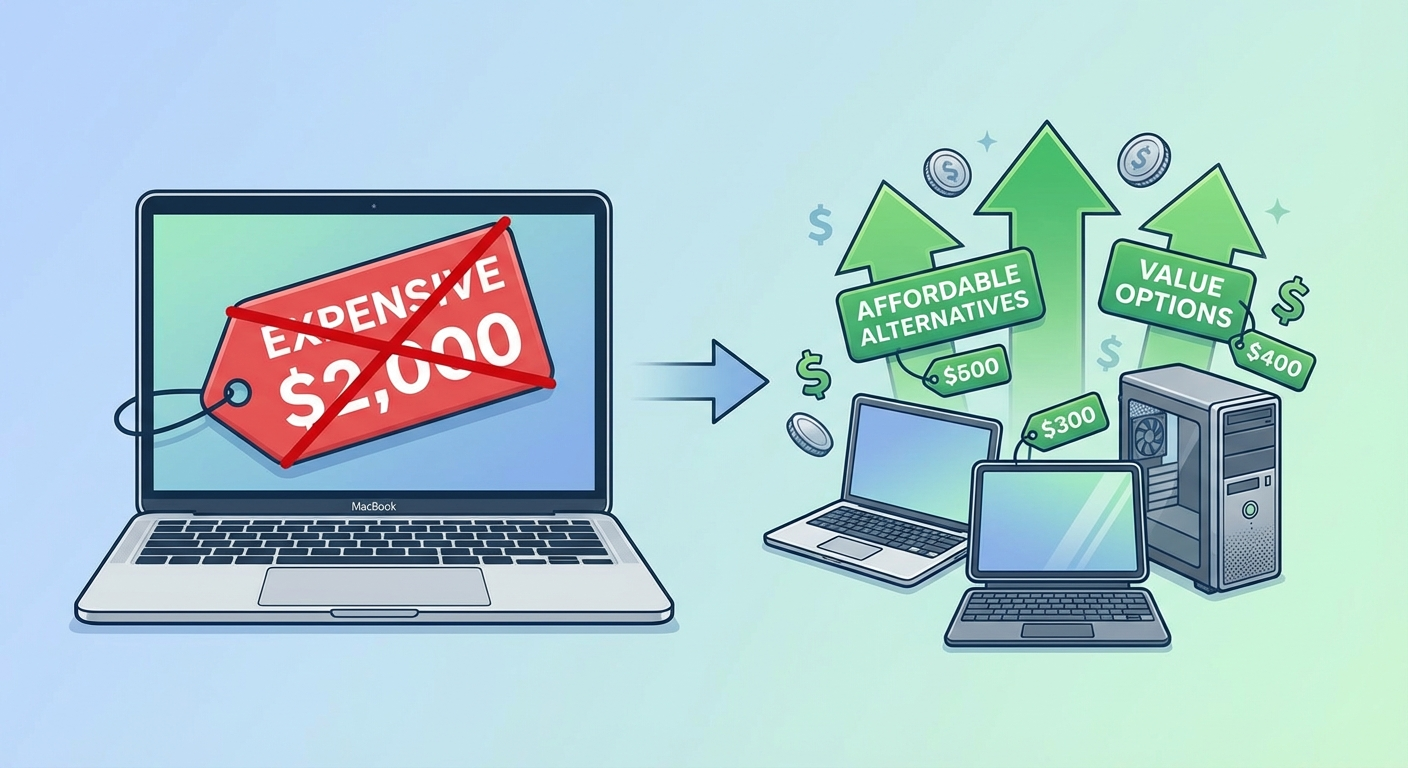
- Price sensitivity — At $29/year (with $19 renewals), the cost adds up for casual users
- Simplicity — Some users just want capture → annotate → share, without the learning curve
None of these make CleanShot X a bad app — it's excellent at what it does. But if any of these resonate, there are solid alternatives worth considering.
How We Tested Each App
We used each screenshot tool as our primary capture app for at least a week on a MacBook Pro (M3, macOS Sonoma). Here's what we evaluated:
- Capture speed — Time from keyboard shortcut to captured image ready for editing
- Annotation quality — Range and polish of markup tools (arrows, blur, shapes, text)
- Sharing workflow — Steps needed to go from capture to shareable link
- Resource usage — Memory footprint and CPU impact during idle and capture
- macOS integration — Does it feel native? Keyboard shortcuts, menu bar behavior, Notification Center
- Value for money — Features delivered per dollar over 3 years of ownership
We also cross-referenced user reviews from Reddit (r/macapps, r/mac), Product Hunt discussions, and the Mac Power Users community to validate our findings against real-world usage patterns.
What CleanShot X Still Does Better
Before listing alternatives, let's be honest about what CleanShot X excels at — because understanding this helps you decide whether an alternative actually fits your needs:
- Scrolling capture — CleanShot X's scrolling screenshot feature is the best on Mac. It handles complex layouts, sticky headers, and lazy-loaded content better than any competitor. If you capture long web pages regularly, this alone may justify the subscription.
- Quick Access Overlay — The floating overlay that stores your recent captures is genuinely useful for batch workflows. You capture multiple screenshots, then annotate and share them in sequence.
- Self-destructing screenshots — Unique to CleanShot X. Set screenshots to auto-delete from cloud storage after a time period. Great for sharing sensitive information temporarily.
- Deep customization — From capture delay timers to custom keyboard shortcuts for specific capture modes, CleanShot X lets you fine-tune every aspect of the workflow.
- Desktop clean-up — Automatically hides desktop icons before capture. Small feature, big time saver for presentations and marketing screenshots.
If you rely on two or more of these features daily, CleanShot X is probably still your best bet. The alternatives below shine in different ways — simpler workflows, lower cost, or specific features that CleanShot X doesn't prioritize.
Quick Comparison Table
| App | Price | Cloud Upload | GIF Recording | Backgrounds | Best For |
|---|---|---|---|---|---|
| ScreenSnap Pro | $19 once | ✅ | ✅ | 160+ | Content creators |
| CleanShot X | $29/yr | ✅ | ✅ | Limited | Power users |
| Shottr | Free | ❌ | ❌ | ❌ | Developers |
| Snagit | $63+ | ✅ | ✅ | ❌ | Enterprise |
| macOS Built-in | Free | ❌ | ❌ | ❌ | Quick captures |
| Lightshot | Free | ✅ | ❌ | ❌ | Basic needs |
#1: ScreenSnap Pro
Price: $19 one-time payment | Rating: ⭐⭐⭐⭐½
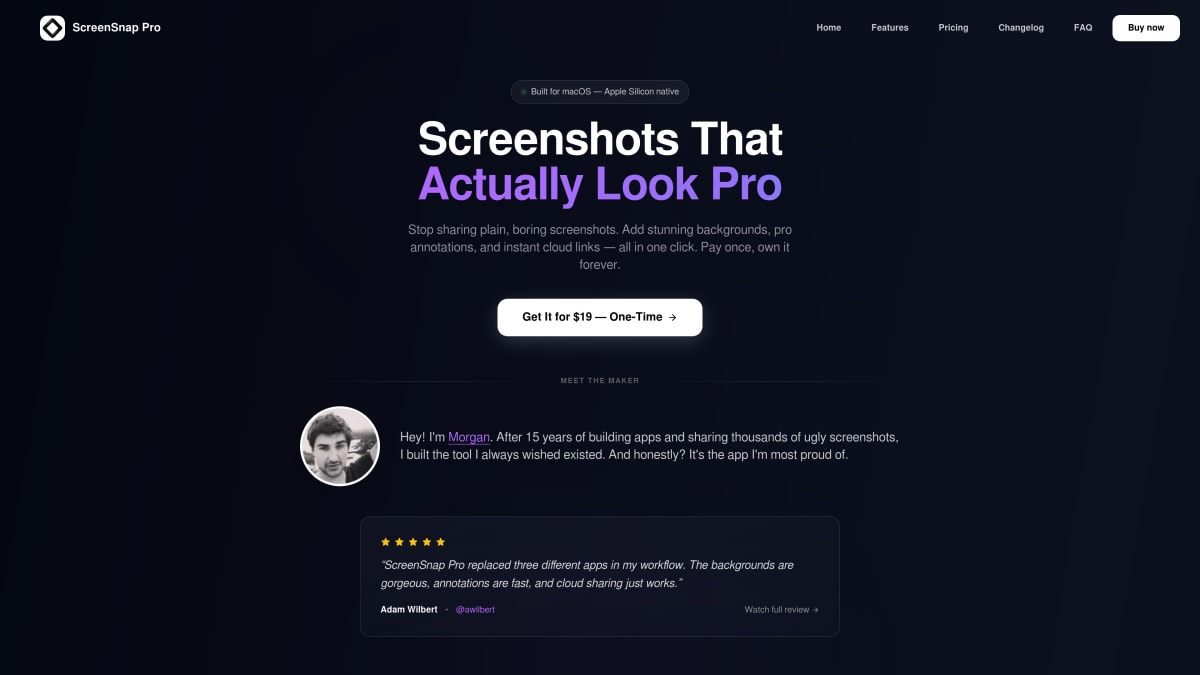
ScreenSnap Pro is our app, so take this with a grain of salt — but it was built to solve the exact problem this article is about: a professional screenshot tool without the subscription.
What Makes It a Strong Alternative:
- One-time payment — Pay once, own forever. No subscriptions.
- Beautiful backgrounds — 160+ gradient options that make screenshots pop
- Cloud sharing — Get instant shareable links, no account needed
- GIF recording — Create tutorials and demos effortlessly
- Screen recording — Record video with microphone and internal audio
- OCR text extraction — Copy text from any screenshot instantly
- Clean interface — Modern design that feels native to macOS
Key Features:
- Quick Access Overlay for instant editing
- 11 annotation tools (arrows, shapes, text, blur)
- Blur and pixelate for privacy
- Text extraction (OCR) from any image
- No watermarks ever
- Keyboard shortcuts for power users
Limitations:
- No scrolling capture (yet)
- Mac only
Best For:
Content creators, marketers, indie developers, and anyone who shares screenshots regularly and wants them to look professional.
Want to see how ScreenSnap Pro compares to free options? Check out our ScreenSnap Pro vs Shottr comparison.
#2: Shottr (Free)
Price: Free | Rating: ⭐⭐⭐⭐½
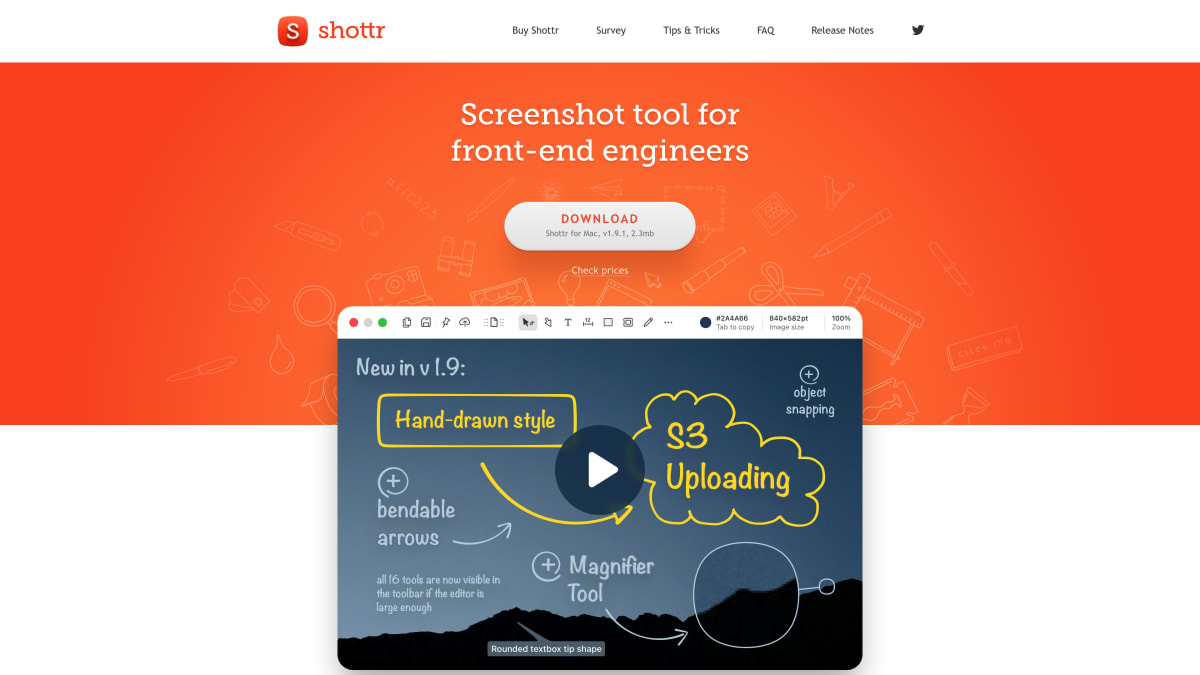
Shottr is the developer's best friend. It's free, lightweight, and packed with measurement tools that CleanShot X charges for.
Why It's Great:
- Completely free — No catch, no premium tier
- Pixel measurements — Essential for UI/UX work
- OCR text recognition — Copy text from any screenshot
- Scrolling capture — Grab entire web pages
Limitations:
- No cloud sharing
- No GIF recording
- No backgrounds or beautification
- Minimal design (function over form)
Best For:
Developers, designers, and anyone who needs precise measurements or OCR without paying a dime.
#3: Snagit
Price: $63 one-time (or subscription) | Rating: ⭐⭐⭐⭐
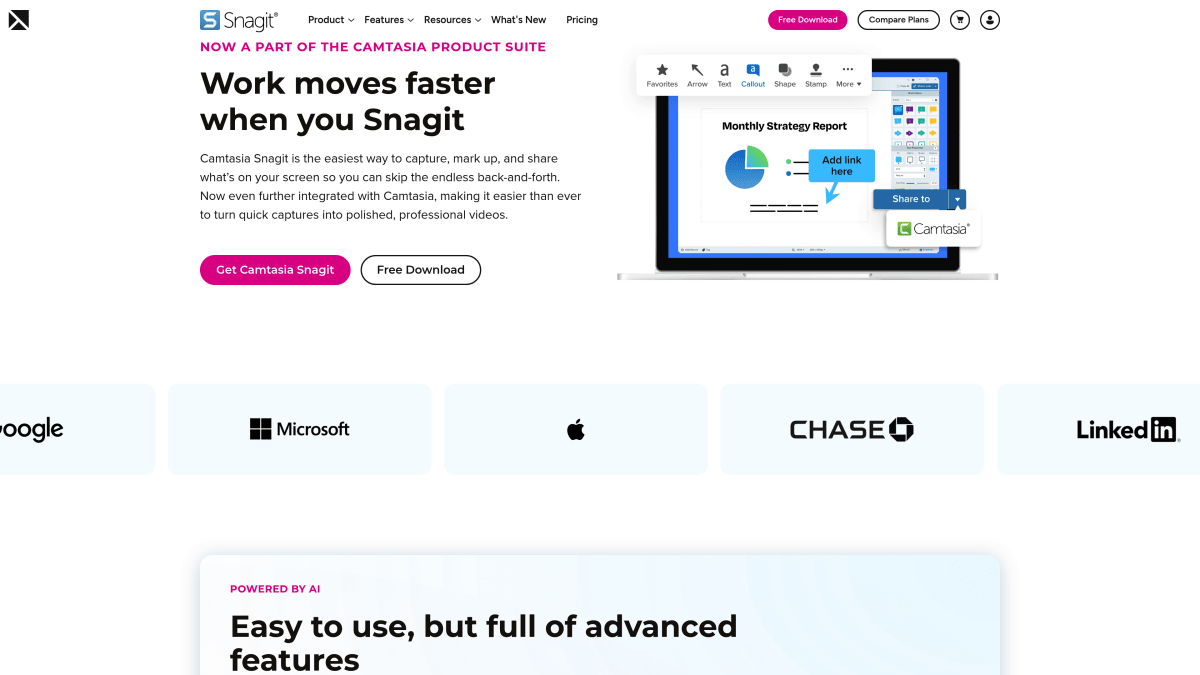
Snagit is the enterprise veteran. It's been around forever and has every feature you can imagine.
Why It's Great:
- Cross-platform — Works on Mac and Windows
- Video recording — Full screen recording capabilities
- Enterprise features — Team collaboration, admin controls
- Template system — Create consistent branded screenshots
Limitations:
- Expensive — $63+ is a lot for a screenshot app
- Bloated — Can feel overwhelming
- Not Mac-optimized — UI doesn't feel native
Best For:
Enterprise users, teams that need consistency, and anyone who needs both Mac and Windows support.
#4: macOS Built-in Screenshot
Price: Free | Rating: ⭐⭐⭐
Don't overlook what's already on your Mac. The built-in screenshot tools are better than ever.
Keyboard Shortcuts:
Cmd + Shift + 3— Full screen captureCmd + Shift + 4— Selection captureCmd + Shift + 5— Screenshot toolbar with options
Why It's Great:
- No installation — Already on your Mac
- Reliable — Apple-built and maintained
- Basic markup — Arrows, shapes, text in Preview
Limitations:
- Very basic annotations
- No cloud sharing
- No advanced features
- Editing requires opening Preview
Best For:
Quick one-off captures when you don't need editing or sharing.
#5: Lightshot
Price: Free | Rating: ⭐⭐⭐
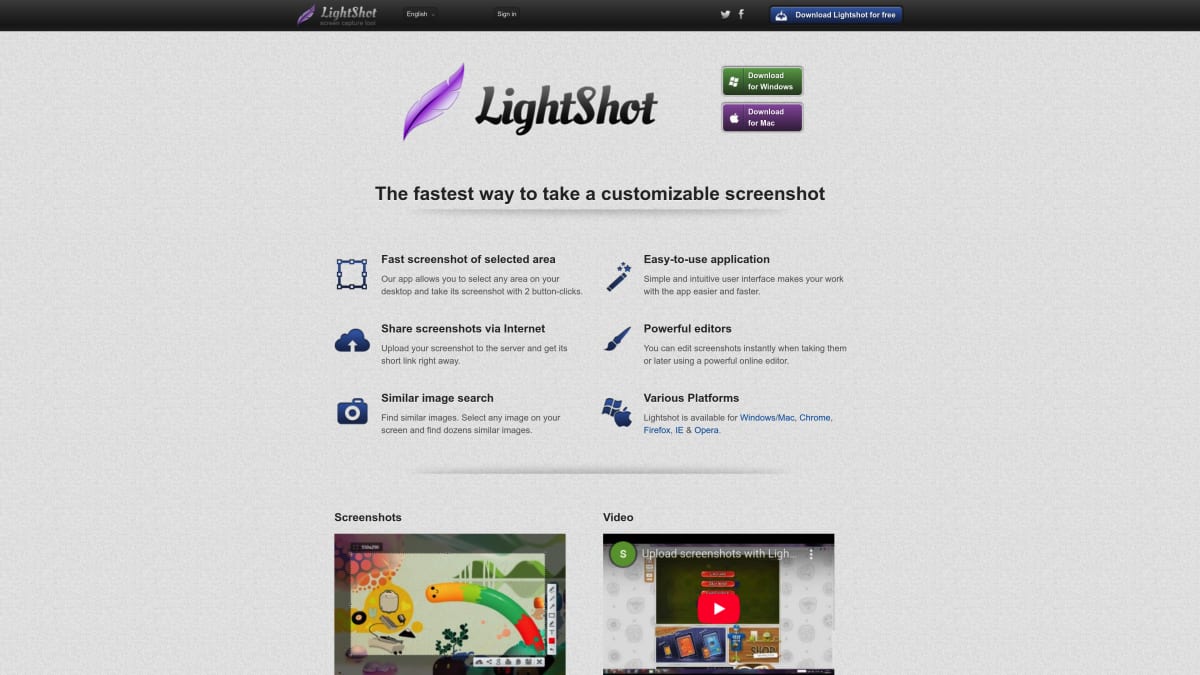
Lightshot is the quick-and-dirty option. Install it, capture, share — done.
Why It's Great:
- Free and simple — No complexity
- Cross-platform — Mac, Windows, browser extension
- Quick sharing — Upload and get link instantly
Limitations:
- Ads in free version
- Limited editing tools
- Less polished than alternatives
- Privacy concerns (images uploaded to public servers by default)
Best For:
Users who need basic screenshots on a budget and don't mind ads.
Feature Deep Dive: What Matters Most?
Not every feature matters equally for every workflow. Here's a deeper look at the features that actually move the needle, based on how people use screenshot tools day to day.
Annotation and Markup Tools
This is where most screenshot tools differentiate themselves. A quick comparison:
| Feature | ScreenSnap Pro | CleanShot X | Shottr | Snagit |
|---|---|---|---|---|
| Arrows & Lines | ✅ | ✅ | ✅ | ✅ |
| Shapes (rect, circle) | ✅ | ✅ | ✅ | ✅ |
| Text overlays | ✅ | ✅ | ✅ | ✅ |
| Blur / Pixelate | ✅ | ✅ | ✅ | ✅ |
| Numbered steps | ✅ | ✅ | ❌ | ✅ |
| Emoji stamps | ❌ | ✅ | ❌ | ❌ |
| Spotlight / Highlight | ❌ | ✅ | ❌ | ✅ |
| Custom colors | ✅ | ✅ | Limited | ✅ |
For most users, arrows + blur + text covers 90% of annotation needs. Numbered steps are a bonus for tutorials and documentation. Emoji stamps and spotlights are nice to have but rarely essential.
Cloud Sharing and Collaboration
If you share screenshots with teammates or clients, the sharing workflow matters more than capture features:
- ScreenSnap Pro — One-click upload, instant shareable link copied to clipboard. No account needed. Simple and fast.
- CleanShot X — Cloud storage with optional self-destructing links. Requires CleanShot Cloud subscription ($8/month) for full features.
- Snagit — TechSmith Screencast for sharing. Works well for enterprise teams with existing TechSmith accounts.
- Shottr — No cloud sharing. You'll need to manually upload to Imgur, Dropbox, or your own solution.
GIF vs Video Recording
For tutorials and bug reports, the choice between GIF and video matters:
- GIFs work best for short demos (under 30 seconds), Slack messages, GitHub issues, and documentation. They autoplay everywhere and need no video player. ScreenSnap Pro and CleanShot X both handle GIF recording well.
- Video is better for longer tutorials, presentations, and content that needs audio. Snagit and CleanShot X offer full video recording with audio.
If you mostly share quick "look at this" demos, GIF recording saves significant time over recording video, trimming, and exporting.
For Content Creators
You need screenshots that look professional without spending hours editing.
Best choice: ScreenSnap Pro
- Gradient backgrounds make any screenshot look polished
- Cloud sharing for instant social media links
- GIF recording for tutorials
For Developers
You need measurements, text extraction, and speed.
Best choice: Shottr
- Free with pro-level features
- Pixel measurements for UI work
- OCR to copy text from screenshots
For Teams/Enterprise
You need consistency, collaboration, and cross-platform support.
Best choice: Snagit
- Template system for branded screenshots
- Works on Mac and Windows
- Team collaboration features
For Bloggers and Technical Writers
You need consistent, good-looking screenshots across dozens of articles.
Best choice: ScreenSnap Pro or CleanShot X
- Background templates keep visual consistency across posts
- Cloud sharing makes embedding in CMS workflows easy
- Annotation tools help create explanatory screenshots that reduce word count
Pricing Breakdown: The Real Cost
Let's do the math over 3 years:
| App | Year 1 | Year 2 | Year 3 | Total |
|---|---|---|---|---|
| ScreenSnap Pro | $19 | $0 | $0 | $19 |
| CleanShot X | $29 | $19 | $19 | $67 |
| Snagit | $63 | $0 | $0 | $63 |
| Shottr | $0 | $0 | $0 | $0 |
CleanShot X prices based on current subscription model with renewal discounts.
Winner: Shottr if budget is everything, ScreenSnap Pro for best value with features.
Switching from CleanShot X: What to Expect
If you've been using CleanShot X and decide to try an alternative, here's what the transition looks like:
What transfers easily:
- Your existing screenshots are standard image files — they work everywhere
- Keyboard shortcut muscle memory adapts within a few days
- Most alternatives support the same capture modes (full screen, region, window)
What you might miss:
- CleanShot X's Quick Access Overlay has no exact equivalent in most alternatives. ScreenSnap Pro has a similar concept, but the workflow differs.
- Scrolling capture is only available in Shottr and Snagit among the alternatives listed here
- If you use CleanShot Cloud links extensively, you'll need to re-share any active links through your new tool's cloud system
Tip: Most paid alternatives offer free trials or money-back guarantees. Test your new tool for a week alongside CleanShot X before fully committing. You'll quickly discover whether the features you use daily are covered.
FAQ
Is CleanShot X worth the subscription?
For power users — absolutely. CleanShot X has the deepest feature set of any Mac screenshot app: scrolling capture, extensive customization, OCR, annotations, cloud sharing, and more. If you use screenshots professionally every day, the $29/year is easy to justify. The alternatives on this list make more sense if you want simpler workflows, one-time pricing, or don't need the full feature set.
What's the best free CleanShot X alternative?
Shottr is the best free alternative. It offers OCR, measurements, and scrolling capture — features CleanShot X charges for. The tradeoff is no cloud sharing or beautification features.
Can I use CleanShot X without subscription?
CleanShot X now requires a subscription for updates. You can use your existing version, but you won't get new features or macOS compatibility updates. This is why many users look for alternatives.
Which screenshot app is best for Mac in 2026?
It depends on your needs:
- Best overall value: ScreenSnap Pro ($19 one-time)
- Best for developers: Shottr (free)
- Best for enterprise: Snagit ($63+)
- Best built-in: macOS Screenshot (free)
Do any alternatives have CleanShot X's scrolling capture?
Yes, Shottr has scrolling capture for free. Snagit also offers it. ScreenSnap Pro doesn't have scrolling capture yet, but covers most other use cases.
How do I annotate screenshots professionally on Mac?
Use an app with proper annotation tools like ScreenSnap Pro's 11 annotation tools. Basic options like Preview work but are time-consuming for regular use.
The Bottom Line
CleanShot X is still the most feature-complete screenshot app on Mac. If you need everything — scrolling capture, deep customization, extensive annotation — and don't mind a subscription, it's hard to beat.
But if your needs are more specific:
- Want pro features without a subscription? ScreenSnap Pro at $19 one-time covers capture, annotation, GIF recording, backgrounds, and cloud sharing.
- Want free + developer tools? Shottr gives you OCR, measurements, and scrolling capture at no cost.
- Need cross-platform + enterprise? Snagit has you covered.
- Just need quick captures? macOS built-in works fine.
Every app on this list is genuinely good at what it does. The best choice depends on your workflow, not marketing hype.
Related Articles

Ready to upgrade your screenshots?
Try ScreenSnap Pro with our 30-day money-back guarantee.
Get ScreenSnap Pro